GPT Image 2.6 (ChatGPT Images 2.6) Generator
GPT Image 2.6 is an OpenAI model, released on 2026-11-04. It is not Microsoft MAI-Image-2.6. Flare is the speed model and Sunburst is the quality model. Pixel Orchard is a third-party tool that lets you try it here.
Your image will appear here.
Pixel Orchard is an independent third-party tool. It is not affiliated with, endorsed by, or operated by OpenAI.
Sample images
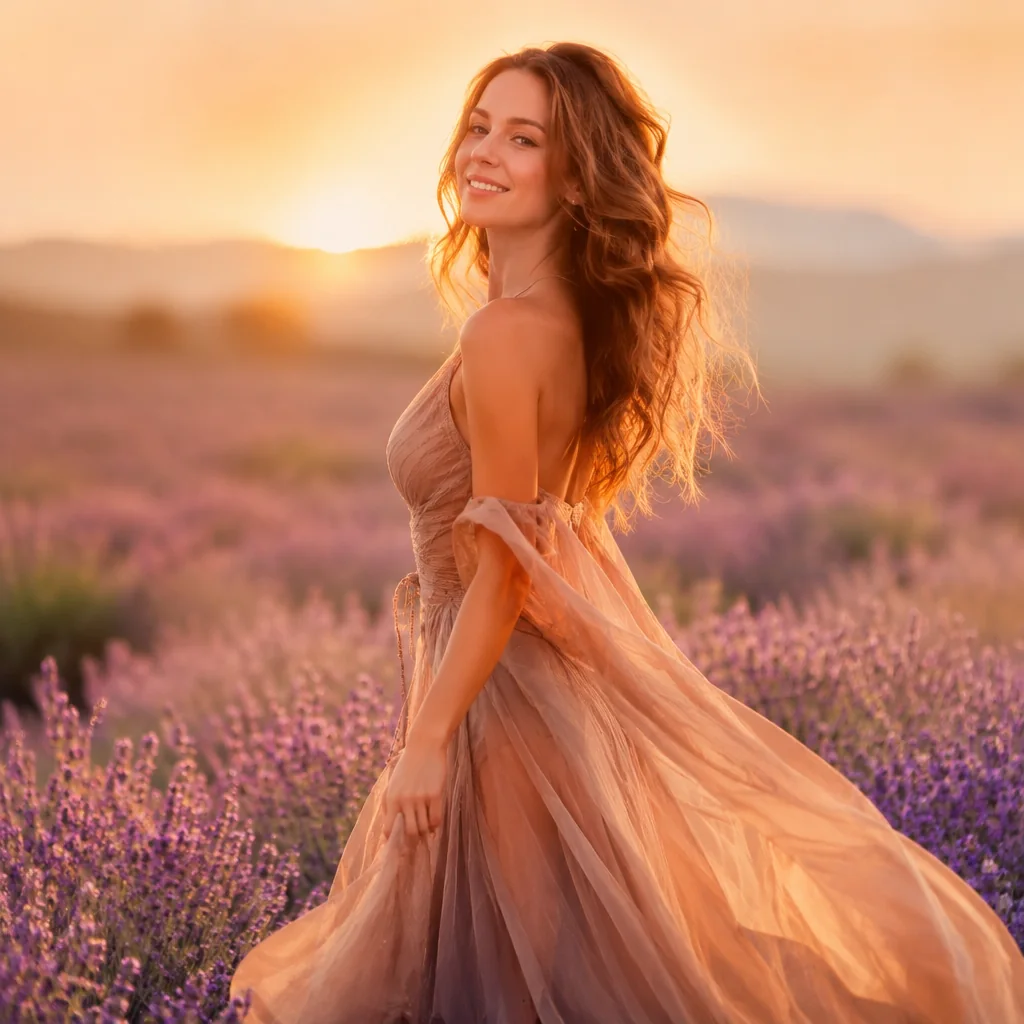
Fine art portrait photograph of an adult woman in an elegant flowing dress standing in a lavender field at golden hour, soft backlight, shallow depth of field, dreamy and graceful
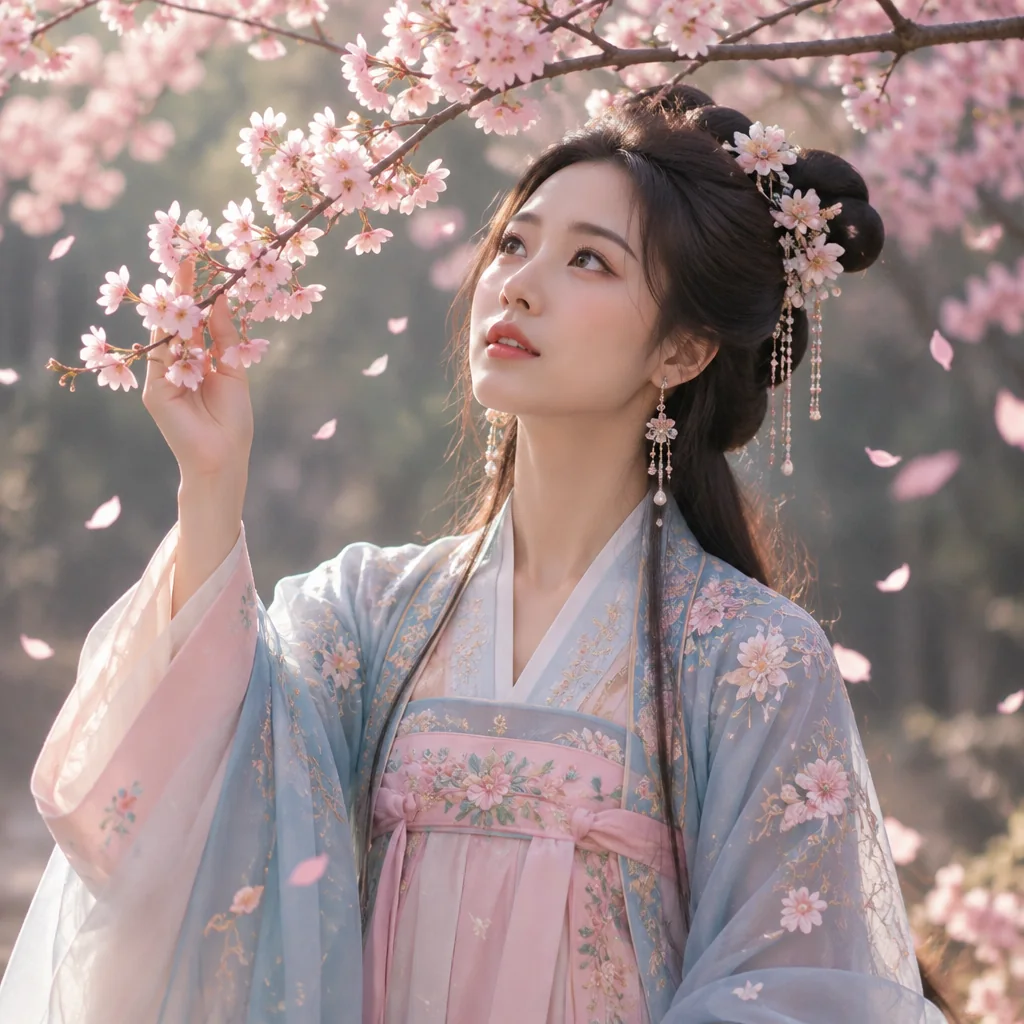
Editorial portrait photograph of an adult woman in traditional Chinese hanfu under blooming cherry blossoms, falling petals, soft morning light, serene expression, 85mm lens, no signature, no watermark, no text
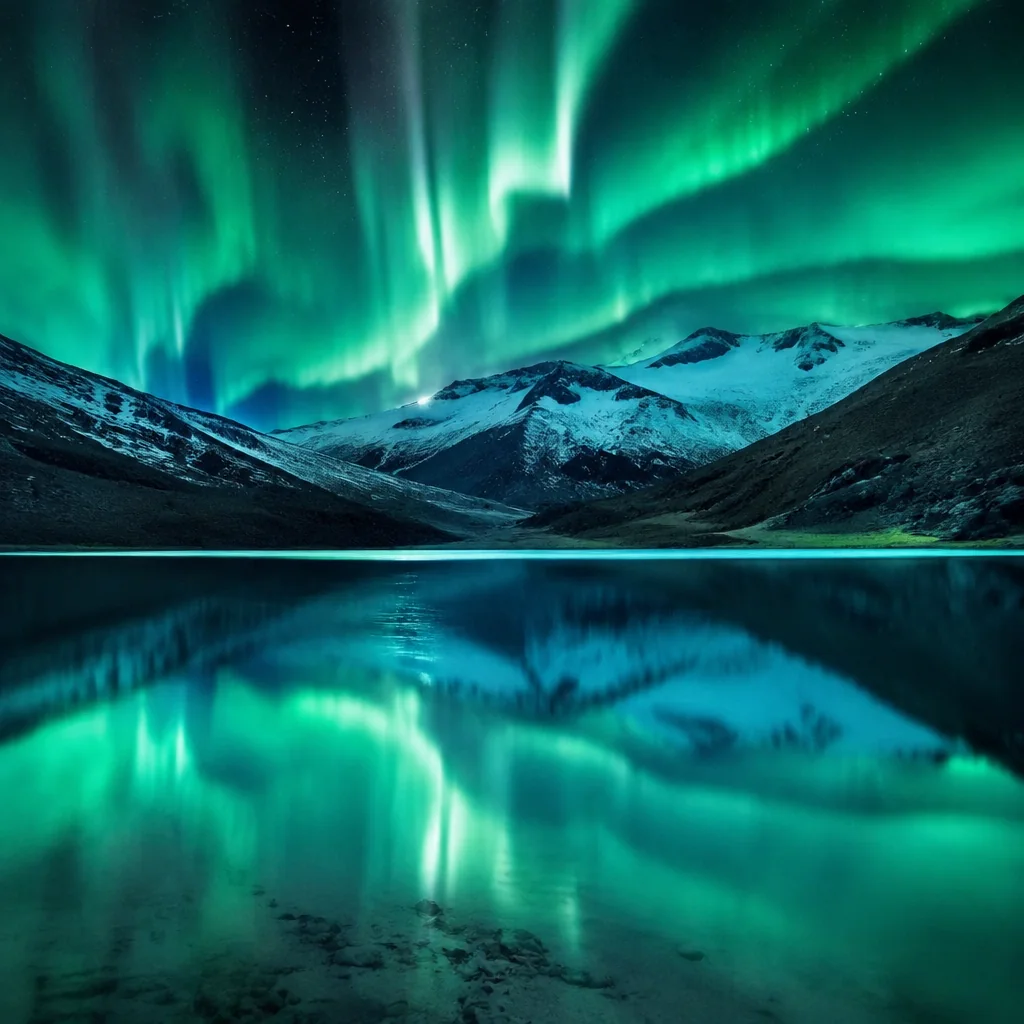
Breathtaking landscape photograph of a still turquoise alpine lake below snow peaks under glowing northern lights, mirror reflection, long exposure, ultra detailed
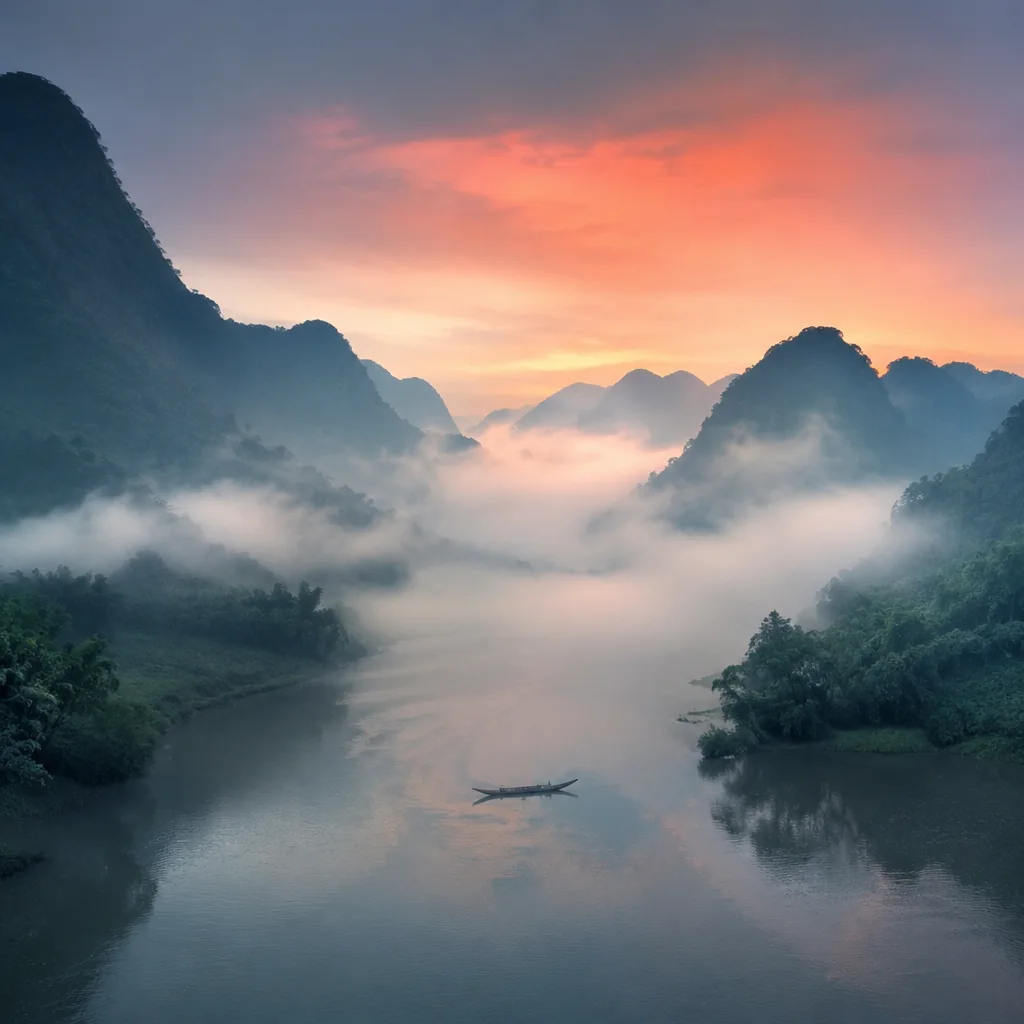
Serene landscape of misty karst mountains above a winding river at sunrise, a lone bamboo raft, layered fog, soft pastel light, wide angle
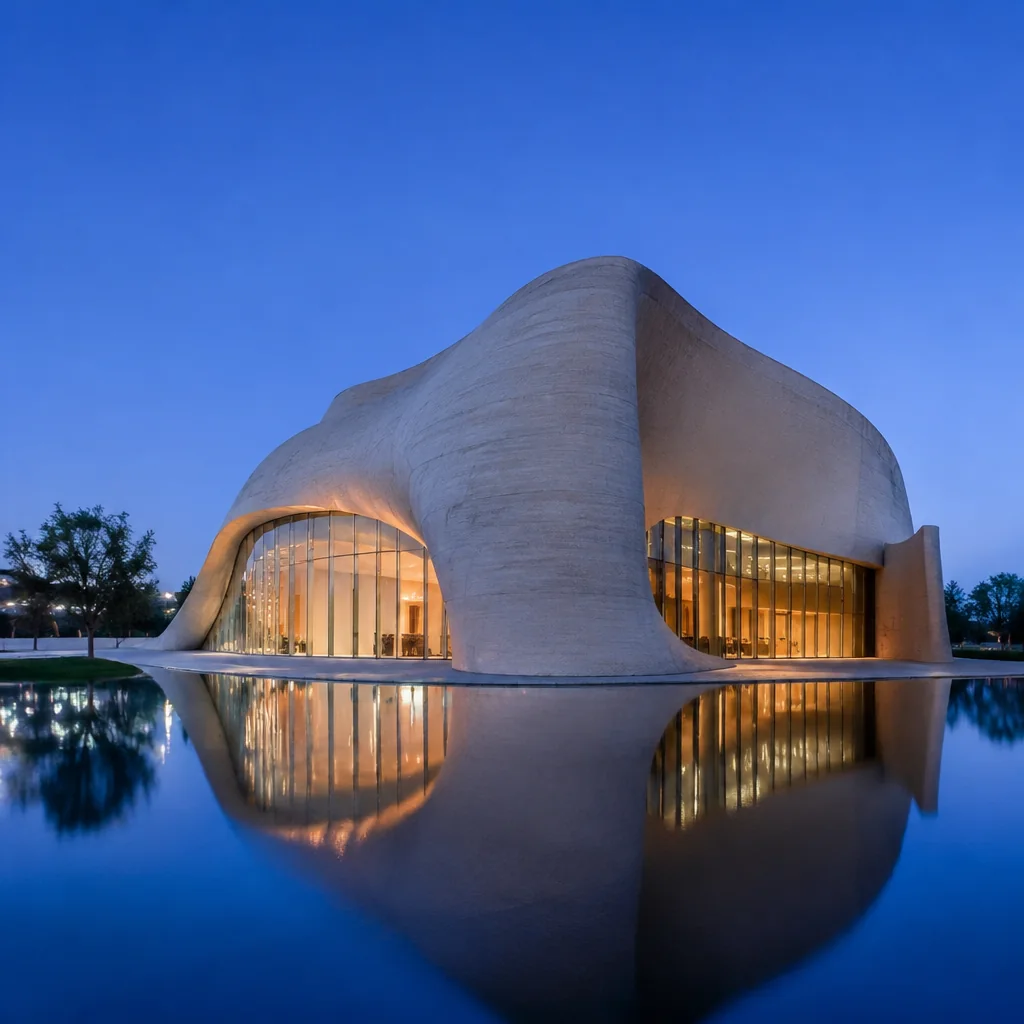
Architectural photograph of a minimalist concrete museum with sweeping curves beside a calm reflecting pool at blue hour, warm interior light, clean symmetry, elegant composition
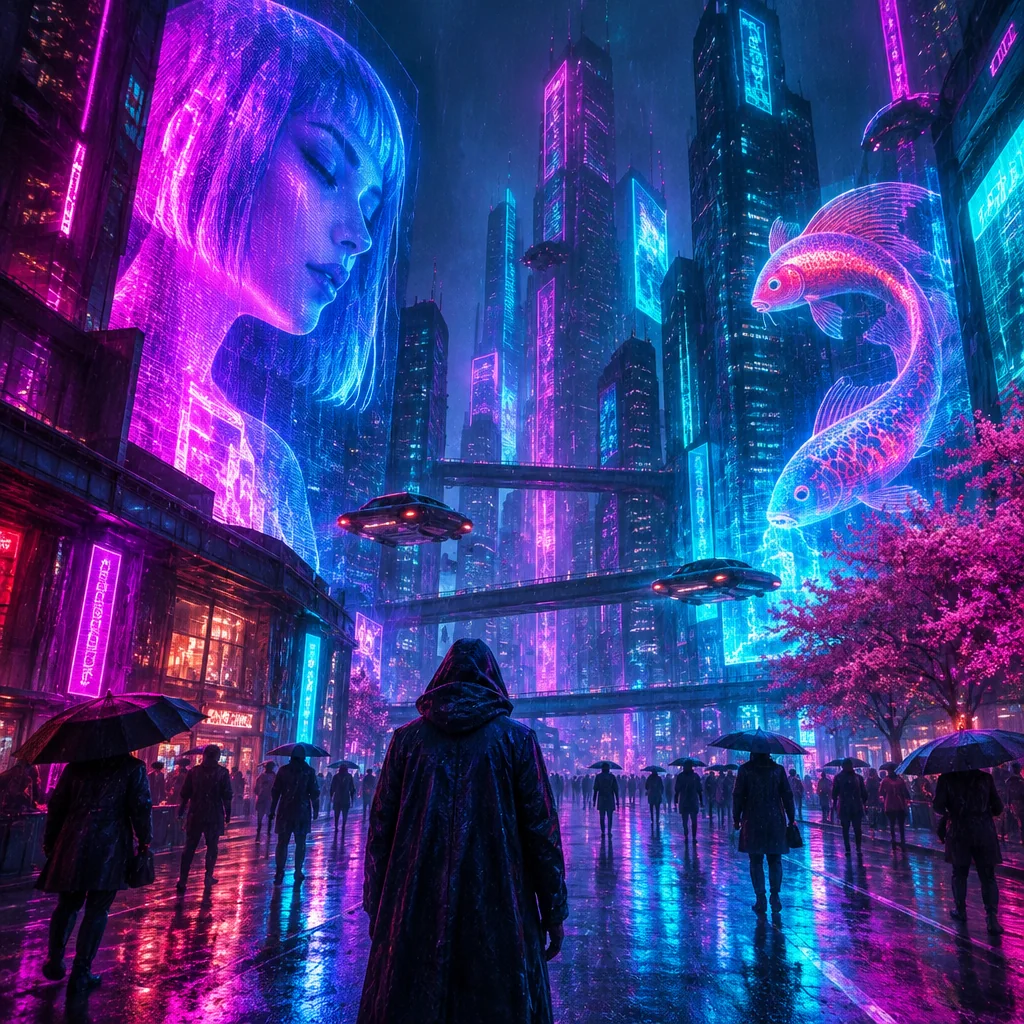
Cinematic cyberpunk city street at night in the rain, towering skyscrapers, glowing magenta and cyan neon light, holograms, wet reflective pavement, atmospheric haze, no text, no logos
What GPT Image 2.6 can do
Flare for speed, Sunburst for quality
Low and medium quality use Flare, the speed model. High quality uses Sunburst, the quality model.
Three aspect ratios
Generate square 1:1, landscape 3:2 or portrait 2:3 images.
Newly released
OpenAI released GPT Image 2.6 on 2026-11-04. It also adds animated GIFs in ChatGPT.
Pay with credits
Each image costs credits that depend on quality. Credit packs do not expire.
How to use GPT Image 2.6
You can make an image on this page in four steps.
1. Describe the image
Write what you want to see in the prompt box. Name the subject, the setting, the style and the lighting.
2. Pick a quality
Low and medium quality use Flare, and high quality uses Sunburst. The credit cost is shown before you generate.
3. Pick an aspect ratio
Choose square 1:1 for social posts, landscape 3:2 for scenes and headers, or portrait 2:3 for posters and people.
4. Generate and save
Sign in with Google and press Generate. OpenAI says complex prompts can take up to 2 minutes. Finished images stay private in your History until you delete them.
Flare or Sunburst: which should you choose?
OpenAI describes Flare as the model for fast iteration and Sunburst as the model for detailed visual work. Here is how that maps to the quality options on this page.
Low quality, Flare
The lowest cost option. Use it to test an idea or to compare a few prompts before you commit to one.
Medium quality, Flare
A good default once a prompt works and you want a cleaner finished image without paying for the top tier.
High quality, Sunburst
Use it for detailed compositions and for the final version of an image you plan to keep.
Prompt tips for better results
Lead with the subject
Start with what the image is about, then add the setting. "A red fox in fresh snow at dawn" gives the model a clear focus.
Name the style
Say whether you want a photograph, a watercolor, a flat vector poster or an isometric illustration. For photos, mention the lens or the light.
Keep image text short
Put any words you want in the image inside quotes and keep them short. OpenAI says its image models can still struggle with precise text placement, so check the spelling in the result.
Change one thing at a time
If a result is close, keep the prompt and change one detail. Work at low quality, then move to high quality when you like the result.
How GPT Image 2.6 differs from the previous generation
Faster generation
OpenAI says image generation with GPT Image 2.6 is 50% faster than before.
Animated GIFs
OpenAI says GPT Image 2.6 adds animated GIF generation. Pixel Orchard does not make GIFs yet.
New API controls
OpenAI says the new API models add complexity control, markup-guided edits and SVG output. These are changes to the model, not features of this site today.
Saved reference images
OpenAI says ChatGPT now supports saved reference images.
Two models, Flare and Sunburst
The release comes as two models: Flare for speed and Sunburst for quality.
GPT Image 2.6 pricing
Each image costs credits. The cost depends on quality and aspect ratio.
| Quality | 1:1 | 3:2 | 2:3 |
|---|---|---|---|
| Low | 6 creditsTry free | 6 credits | 6 credits |
| Medium | 10 credits | 10 credits | 10 credits |
| High | 15 credits | 15 credits | 15 credits |
GPT Image 2.6 FAQ
Is this the official OpenAI or ChatGPT site?
No. Pixel Orchard is an independent third-party tool. GPT Image 2.6 is an OpenAI model that we offer through our own generator.
Is GPT Image 2.6 also called ChatGPT Images 2.6?
GPT Image 2.6 is the OpenAI model released on 2026-11-04. People also search for it as ChatGPT Images 2.6, which is how OpenAI's ChatGPT product names it. This page covers both searches.
Is this Microsoft MAI-Image-2.6?
No. GPT Image 2.6 is made by OpenAI. MAI-Image-2.6 is a different model from Microsoft.
What is the difference between Flare and Sunburst?
Flare is the speed model and Sunburst is the quality model. In Pixel Orchard, low and medium quality use Flare and high quality uses Sunburst.
When was GPT Image 2.6 released?
OpenAI released GPT Image 2.6 on 2026-11-04.
Is GPT Image 2.6 in ChatGPT?
OpenAI offers it in ChatGPT as ChatGPT Images 2.6, and in its API as GPT Image 2.6 Flare and Sunburst. Pixel Orchard is a separate tool, so you do not need a ChatGPT plan to use it here.
Is there a GPT Image 2.6 API?
Yes. OpenAI offers gpt-image-2.6-flare and gpt-image-2.6-sunburst through its Image API. Pixel Orchard does not offer an API. This page is for making images in your browser.
Can I edit images or use reference images here?
Not yet. OpenAI offers image editing in its API and saved reference images in ChatGPT, but Pixel Orchard only makes new images from text prompts.
Can I use GPT Image 2.6 for free?
New accounts receive 30 free credits, enough for 5 Flare low quality images at 1:1. These free credits expire after 30 days. Medium and high quality, and other ratios, need purchased credits. A daily limit on free use applies.
Do I need to sign in to generate?
You can type a prompt first. Generating requires signing in with Google, and your prompt is kept.
Does Pixel Orchard make GIFs?
Not yet. GPT Image 2.6 adds animated GIFs in ChatGPT, but a GIF tool is not part of this site yet.